
FREE UK EBAY ADVERTISING TOOL
eBay Promoted Listings Calculator
Estimate how an eBay General campaign ad rate could affect your advertising cost, net profit, profit margin and return on ad spend.
Test the numbers before increasing promotion so you can see whether the extra visibility still leaves enough profit in the sale.
eBay Promoted Listings Calculator
Calculate your eBay Promoted Listings General ad fee and see how advertising affects your final profit.
The final item price paid by the buyer.
Enter zero when offering free postage.
Optional amounts included in eBay’s ad-fee base.
Use the ad rate active when the item sold.
These fields are optional, but completing them gives you a more useful profit estimate.
What you paid to source the item.
What you pay the delivery carrier.
Exclude the promoted listing fee calculated here.
Packaging, labels and other transaction costs.
Example: a £50 total sale amount promoted at 5% produces a £2.50 advertising fee before any applicable VAT.
Complete the calculation to see whether your promoted listing rate leaves enough profit.
What Does the eBay Promoted Listings Calculator Tell You?
The calculator estimates the advertising cost created by the eBay General campaign ad rate you enter.
It then combines that advertising cost with your stock, postage, ordinary eBay fees and other transaction costs to estimate your remaining profit, profit margin, return on ad spend and approximate break-even advertising rate.
How eBay General Campaign Advertising Fees Work
With eBay’s General campaign strategy, you select an ad rate expressed as a percentage of the item’s total sale amount.
Under eBay’s current UK guidance, that total sale amount can include the item price, postage, taxes and other applicable amounts.
Basic General campaign fee
Total sale amount × ad rate = advertising fee
Total sale amount: £64.00
General campaign ad rate: 6%
Estimated advertising fee: £64.00 × 6% = £3.84
Any applicable VAT on the advertising charge may increase the final cost.
When Is the General Advertising Fee Charged?
General campaigns use a sale-based advertising model rather than charging you simply because the ad was displayed.
Under eBay’s current attribution rules, a General advertising charge can apply when the promoted item sells following a qualifying interaction with the ad within the relevant attribution window.
Understanding Your Promoted Listings Results
📣 Total Advertising Cost
The estimated Promoted Listings General charge generated by your entered ad rate and fee base, including the optional VAT uplift when selected.
💰 Profit After Advertising
The estimated amount remaining after your stock, fulfilment, ordinary eBay fees, other entered costs and advertising expense have been deducted.
📊 Profit Margin
Profit margin measures how much of your seller revenue remains after the entered costs and advertising expense.
📈 Return on Ad Spend
ROAS compares seller revenue with the advertising amount spent.
Seller revenue ÷ advertising cost
⚖️ Break-Even Ad Rate
An estimate of the advertising percentage at which the profit represented by the entered figures would fall towards £0.
🧾 Effective Ad Cost
Shows the effective advertising percentage after allowing for the optional advertising VAT setting where selected.
Promoting a £60 eBay Sale at 6%
Item selling price: £60.00
Postage charged to buyer: £4.00
Item cost: £20.00
Actual postage cost: £3.50
Other eBay fees: £7.00
Packaging and other costs: £0.75
General campaign ad rate: 6%
Advertising fee base: £64.00
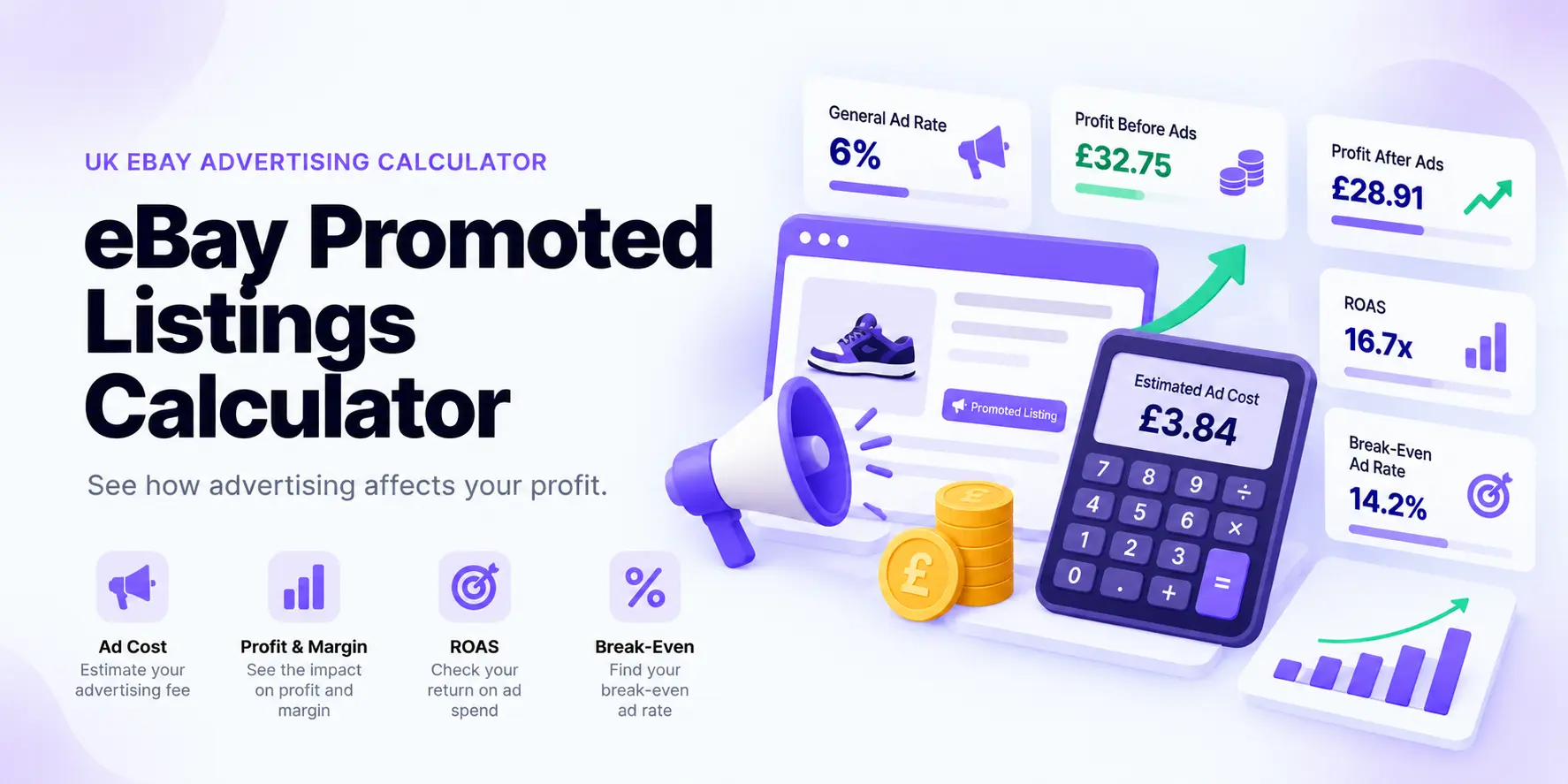
Advertising fee before any applicable VAT: £3.84
Estimated profit before advertising: £32.75
Estimated profit after advertising: £28.91
Why a Small Ad Rate Can Have a Large Profit Impact
The advertising percentage is applied to the relevant sale amount, not to your profit.
That distinction matters most on products with thin margins.
A 10% advertising charge on a £50 fee base costs approximately £5 before any applicable advertising VAT.
If the product had £25 profit before advertising, £5 removes 20% of that profit.
If the product had only £10 profit before advertising, the same £5 removes half of it.
What Is a Break-Even Advertising Rate?
The break-even ad rate estimates how high the advertising percentage could rise before the profit represented by your entered assumptions reaches approximately £0.
Profit before advertising ÷ advertising fee base × 100
What Does Return on Ad Spend Mean?
Return on ad spend — usually shortened to ROAS — measures revenue relative to advertising cost.
Seller revenue ÷ advertising cost = ROAS
Seller revenue: £50
Advertising cost: £5
ROAS: 10×
A 10× ROAS does not mean £10 of profit was earned for every £1 spent on advertising.
ROAS does not automatically account for purchase cost, ordinary eBay fees, postage, packaging and the other expenses behind the sale. Always check net profit alongside it.
Fixed vs Dynamic General Ad Rates
eBay currently offers fixed and dynamic ad-rate strategies for General campaigns.
🔒 Fixed Ad Rate
You select the percentage and it remains at that level until you change it.
This can make the potential advertising cost easier to model in advance.
🔄 Dynamic Ad Rate
The rate follows eBay’s daily suggested ad rate and may change as marketplace conditions change.
That can reduce manual adjustments but makes future advertising cost less predictable.
Should You Automatically Use eBay’s Suggested Ad Rate?
A suggested ad rate can be useful as an advertising reference, but it should not replace your own profitability check.
eBay describes suggested rates as data-driven recommendations influenced by factors such as the listing and current marketplace conditions.
Check Whether the Listing Can Afford It
- How much profit exists before advertising?
- What would remain after the proposed advertising rate?
- How close is the rate to your break-even advertising level?
- Is the listing already generating organic traffic?
- Is the selling price competitive?
- Are the title, photographs and item specifics already strong?
When Might Promoted Listings Be Worth Testing?
🔎 Competitive Search Results
Promotion may help when strong competing listings make organic visibility difficult.
💰 Healthy Margin
Higher-margin products generally have more room to absorb additional advertising expense.
📦 Proven Product
Advertising is easier to evaluate when the product already has realistic demand and the listing converts when buyers see it.
Advertising Cannot Fix Every Listing Problem
More visibility does not automatically create demand.
- Improve weak product photographs before paying for more traffic.
- Rewrite unclear or poorly targeted titles.
- Complete useful item specifics.
- Check whether the selling price is competitive.
- Research whether buyers are actually purchasing the product.
- Check whether the existing profit margin can absorb promotion.
If a listing is already receiving views but not converting, increasing advertising may simply pay to send more buyers to a listing that still has another problem.
General Campaigns vs Priority Campaigns
| Feature | General | Priority |
|---|---|---|
| Charging model | Cost per attributed sale | Cost per click |
| Main pricing input | Ad-rate percentage | Click bids / campaign controls |
| Sale required before ad cost? | Yes, under applicable attribution rules | No |
| This calculator | Designed for General | Not designed for Priority |
eBay Promoted Listings Mistakes to Avoid
- Calculating the fee from item price alone. The General fee base can include more than the item price.
- Ignoring applicable advertising VAT. Where VAT is added to the advertising charge, the effective cost can be higher than the headline ad rate.
- Using the suggested rate automatically. Suggested rates are advertising guidance, not profitability targets.
- Promoting narrow-margin stock aggressively. A modest-looking percentage can consume a large share of the remaining profit.
- Forgetting ordinary eBay selling costs. Advertising is an additional expense, not a replacement for the other transaction costs.
- Looking at sales instead of profit. More attributed sales can still leave the business worse off if advertising costs rise faster than contribution profit.
- Using General calculations for Priority campaigns. Priority is charged on clicks and requires a different analysis.
Continue With the Numbers Behind Your eBay Sale
🛒 eBay Fee & Profit Calculator
Model the wider eBay transaction including selling costs, stock cost and expected profit.
💰 Reseller Profit Calculator
Check the complete transaction after stock, fees, postage, packaging and other selling costs.
⚖️ Break-Even Calculator
Find the approximate minimum selling price needed to recover your entered transaction costs.
🏷️ Product Pricing Calculator
Work backwards from costs and profit requirements to estimate a selling price.
Improve the Listing Before Paying for More Visibility
📊 ZIK Analytics
Research eBay demand, competitors, pricing and keyword opportunities before deciding whether additional visibility is worth paying for.
🧰 eBay Seller Tools
Compare SellerStack’s recommended research, listing, workflow, advertising and shipping tools for eBay sellers.
Do Not Buy Visibility Without Checking the Margin
Promoted Listings can increase exposure, but the objective should not simply be to generate more advertised sales.
The useful question is whether the advertising cost leaves enough profit after every other expense behind the transaction. Test the rate against your margin first, then review actual campaign performance in Seller Hub.
eBay Promoted Listings Calculator Methodology
This calculator is designed for eBay’s General campaign strategy.
It estimates the advertising fee by multiplying the entered ad-fee base by the General campaign ad rate entered by the user.
The fee base can include item price, postage charged to the buyer and additional amounts entered where they form part of eBay’s applicable total sale amount.
The optional VAT setting increases the estimated advertising expense when applicable VAT is added to the advertising charge.
Profit calculations also use the stock cost, actual postage, ordinary eBay fees and other costs entered by the user.
The break-even ad rate is a planning estimate showing where the represented transaction would approach zero profit under the assumptions entered. It is not a recommended advertising rate.
Actual eBay advertising charges can differ because of attribution rules, rate changes, taxes, refunds, credits, campaign configuration and account-specific circumstances. Check your Seller Hub Advertising and Payments information for the final charge.
Official guidance: eBay General Campaign Strategy and eBay Promoted Listings Overview .
Last reviewed: October 2026
Frequently Asked Questions
What is an eBay Promoted Listings General fee?
It is an advertising charge based on the General campaign ad rate and the applicable total sale amount when a qualifying attributed sale occurs.
What is the minimum General campaign ad rate?
eBay’s current UK guidance allows General campaign ad rates from 2% to 100%.
Do I pay a General advertising fee if the item does not sell?
General uses a sale-based charging model. Priority campaigns are different because eligible clicks can create advertising charges even without a sale.
How long is the General campaign attribution window?
eBay currently uses a 30-day attribution window for qualifying General campaign interactions.
Is postage included in the Promoted Listings fee base?
eBay describes the General ad rate as applying to the item’s total sale amount, which can include postage and other applicable amounts.
Does the calculator automatically include ordinary eBay fees?
No. Enter your ordinary eBay selling fees separately so they can be included in the estimated profit result.
Does the calculator include VAT on advertising?
The calculator includes an optional VAT setting for situations where applicable VAT is added to the advertising charge.
Should I use eBay’s suggested ad rate?
Treat the suggested rate as advertising guidance rather than a profit target. Check the resulting advertising cost and remaining margin before applying it.
Is a higher ad rate always better?
No. A higher rate can increase advertising cost and does not guarantee a sale. The appropriate rate depends on listing performance, competition and the margin available to absorb promotion.
Can I use this calculator for Priority campaigns?
No. Priority campaigns use cost-per-click charging and require a different advertising model.
Is the eBay Promoted Listings Calculator free?
Yes. The SellerStack calculator is free to use and does not require a SellerStack account.