
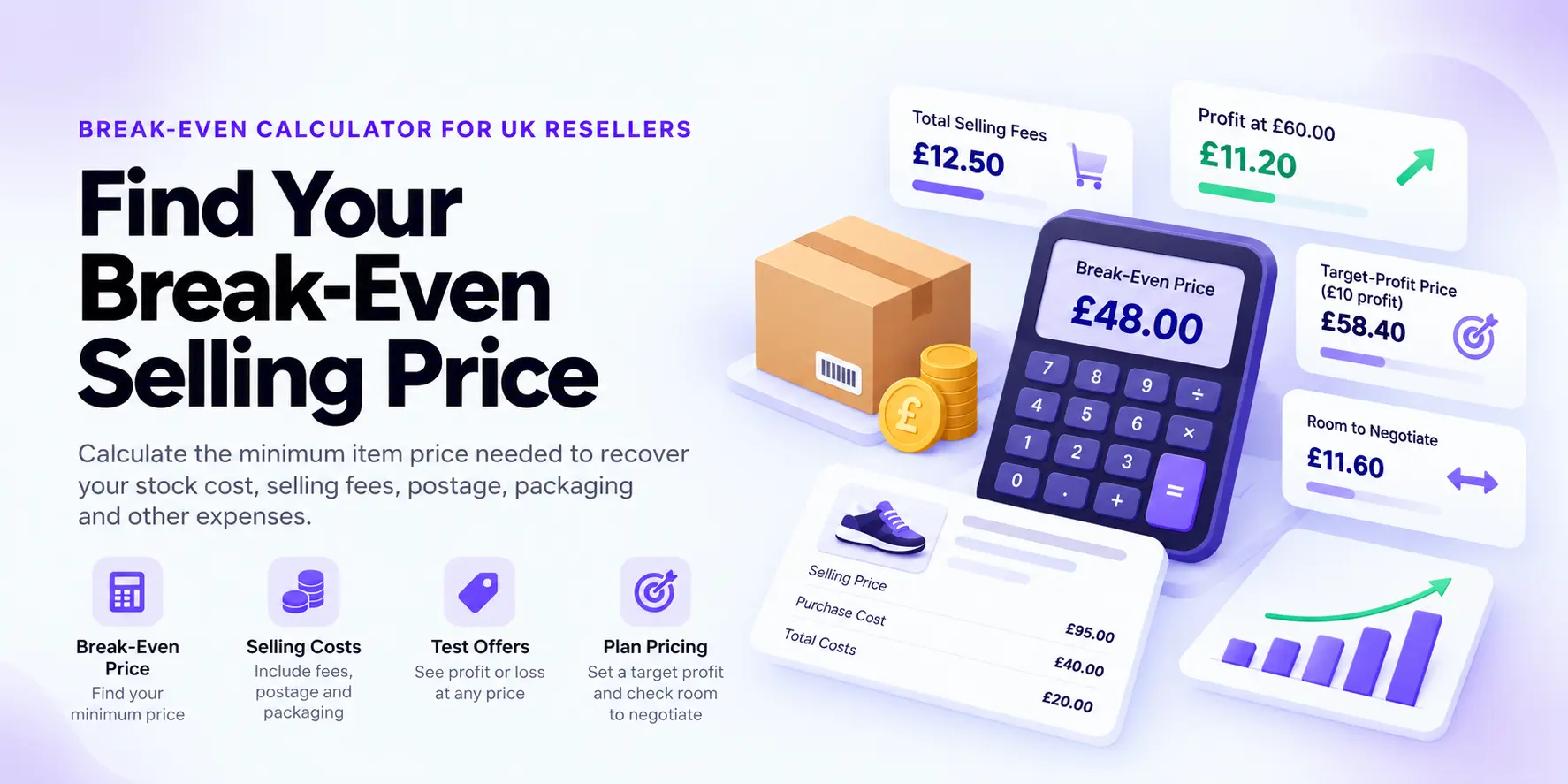
FREE UK RESELLER PRICING TOOL
Break-Even Calculator for UK Resellers
Find the minimum item price needed to recover your stock cost, selling fees, postage, packaging and other per-item expenses.
Use your break-even price to assess buyer offers, plan clearance discounts and see how much room you have before a sale starts losing money.
Reseller Break-Even Calculator
Find your minimum selling price, assess offers and plan a price around your profit target.
Your floor price covers the costs you enter. Add an expected selling price to see how much room you have to negotiate.
Choose a marketplace starting point, then check and adjust the fee assumptions for your account.
Preset guidance checked 21 September 2026. These are starting assumptions, not a live fee feed. Changes are remembered per scenario until you reset or reload this page.
Enter the item and fulfilment costs that need to be recovered from the sale.
Add any delivery payment you receive and the selling fees that apply to the transaction.
Optional: assess a planned price or offer and work out what you need to charge for a target profit.
For tiered fees or complex fulfilment, use the dedicated marketplace calculator.
What Does a Break-Even Price Tell You?
Your break-even price is the approximate minimum item price needed to recover the costs and selling fees entered into the calculator.
At that price, the sale is designed to recover your entered costs but leave essentially no profit.
How the Break-Even Calculator Works
The calculator works backwards from the stock, fulfilment and selling costs you enter to estimate the lowest item price that covers them.
The calculation changes slightly depending on whether percentage selling fees apply to the item price only or to the item price plus postage received.
If percentage fees apply to item price + postage
                Minimum item price =
                (costs + fixed fees) ÷ (1 − fee rate)
                − postage received
If percentage fees apply to item price only
                Minimum item price =
                (costs + fixed fees − postage received)
                ÷ (1 − fee rate)
The calculator also allows for an optional VAT uplift on the selling fees you enter.
Can You Accept a £15 Offer?
Item purchase cost: £10.00
Packaging: £0.50
Postage you pay: £3.50
Postage received: £3.50
Percentage selling fee: 10%
Fixed fee: £0.30
Estimated break-even item price: £12.39
At a £15 item offer, the same assumptions leave approximately £2.35 estimated profit.
Understanding Your Break-Even Results
⚖️ Break-Even Item Price
The estimated minimum item price needed to recover the costs and fees entered.
💰 Profit or Loss at Your Price
Enter an expected selling price or buyer offer to see whether it sits above or below your break-even floor.
🎯 Target-Profit Price
Enter a desired profit amount and SellerStack works out approximately what item price would be needed to produce it after the entered fees.
↔️ Room to Negotiate
This shows the gap between your expected item price and the estimated break-even floor.
It measures cost-recovery room, not the amount you can discount while preserving your target profit.
🧾 Total Selling Fees
SellerStack estimates the percentage and fixed selling fees generated by the assumptions entered.
📦 Costs Before Fees
This combines stock, packaging, postage and other direct per-item costs before selling fees are added.
Why Target-Profit Price Is Higher Than Break-Even
If you want to make £10 profit, simply adding £10 to your break-even selling price may not be enough.
Percentage selling fees can increase as the selling price rises. SellerStack therefore works backwards through the fee calculation again when estimating the item price required for your target profit.
How Should You Enter Postage?
Postage paid and postage received should be treated separately.
📬 Postage You Pay
Enter the amount you expect to pay for the outbound delivery label or courier service.
💷 Postage Payment You Receive
Enter only the postage amount actually credited to you before the applicable selling fees.
If a marketplace handles delivery directly and you neither receive the postage payment nor pay for the label, both postage figures should generally remain at £0 for that scenario.
Why Fee Basis Matters
Not every percentage charge is calculated from exactly the same amount.
Some fees may apply to the item price plus postage, while others may apply only to the item price.
What Does VAT Uplift on Fees Mean?
The optional VAT uplift increases the percentage and fixed selling fees entered into the calculator.
Entered percentage fee: 10%
VAT uplift: 20%
Effective modelled percentage charge: 12%
If the fee figures you enter already include VAT, leave the uplift at 0% to avoid counting it twice.
When Should a Reseller Use Break-Even Price?
🤝 Assess a Buyer Offer
Check whether an offer still covers the costs and fees entered before accepting it.
🏷️ Plan a Clearance Price
See how far you could reduce a slow-moving item’s price while still recovering the costs you entered.
📣 Test a Promotion
Model a discounted selling price alongside the additional promotion or advertising costs that may apply.
Break-Even Can Help With Slow-Moving Stock
If inventory has been sitting for too long, knowing the cost-recovery floor can help you decide whether to reduce the price, accept a lower offer or deliberately take a controlled loss to release cash.
Use the Dead Stock Calculator when you want to analyse how much money is tied up in ageing inventory before deciding what action to take.
Break-Even Price vs Profitable Selling Price
| Price | Purpose |
|---|---|
| Break-Even Price | Recover the entered costs and fees. |
| Target-Profit Price | Recover costs and generate the profit amount entered. |
| Market Selling Price | The price buyers may realistically be willing to pay. |
A Profitable Target Still Has to Match the Market
If your target-profit price is far above realistic sold prices, the answer is not automatically to list higher.
You may need a lower buying cost, lower fulfilment costs, a different marketplace or a different sourcing opportunity.
Break-Even Calculation Mistakes to Avoid
- Treating postage received as profit. Include the delivery expense too when you pay it.
- Using a generic marketplace fee. Check the fees that apply to your seller account, category and transaction.
- Missing small costs. Packaging, preparation, repairs and inbound delivery allocations can change the floor.
- Confusing break-even with a good sale. Recovering your costs is not the same as making enough profit for the work involved.
- Ignoring the fee basis. Fees charged on item price plus postage behave differently from fees charged on item price alone.
- Double-counting VAT on fees. Leave the uplift at 0% if the fee figures entered already include the VAT treatment you need.
- Assuming every platform can be modelled with one rate. Complex or tiered fee structures may require the dedicated marketplace calculator.
Continue With the Numbers Behind the Sale
💰 Reseller Profit Calculator
Calculate the estimated profit, margin and ROI at the selling price you actually expect.
🏷️ Product Pricing Calculator
Work forwards from your costs and profit requirements to estimate a selling price.
💷 Maximum Buy Price Calculator
Work backwards from your expected sale to establish the highest buying price your return targets can support.
🛍️ Marketplace Comparison Calculator
Compare the same product across different selling platforms using your own assumptions.
For the wider pricing process, explore the SellerStack Pricing & Profit Hub .
Marketplace Presets Are Starting Assumptions
The calculator includes editable scenarios for major marketplaces so you can test the same product across different selling routes.
These presets are planning assumptions rather than a live fee feed. Marketplace charges can vary by seller type, product category, fulfilment method, optional advertising and account-specific terms.
Know Your Floor Before You Negotiate
Break-even gives you a clear financial boundary. It helps separate a discount that still recovers your entered costs from an offer that starts creating a loss.
Use that floor as the starting point, then price above it based on the profit you want, realistic market demand and the work involved in completing the sale.
Break-Even Calculator Methodology
The SellerStack Break-Even Calculator works backwards from the stock cost, packaging, postage, other per-item costs and selling fees entered by the user.
The result is the estimated item price required to recover those costs after allowing for the selected percentage-fee basis, fixed fees, postage income and any fee VAT uplift entered.
When a target profit is entered, SellerStack solves for the higher item price needed to recover the entered costs and produce that target after modelled selling fees.
The calculated floor rounds upward to the next penny where required. Actual marketplace charges can differ because of tiered fees, minimum charges, fee rounding and other transaction-specific rules.
This is an item-level pricing tool rather than a complete business break-even analysis. It does not automatically model monthly overheads, income tax or wider business liabilities.
Last reviewed: October 2026
Frequently Asked Questions
What is a break-even selling price?
It is the approximate item price needed to recover the costs and selling fees included in the calculation, leaving essentially no profit.
What does room to negotiate mean?
It is the difference between the expected item price or offer entered and the estimated break-even floor. It shows how far that price sits above cost recovery, not how far you can discount while preserving a target profit.
How is target-profit price calculated?
SellerStack adds the target profit to the amount that needs to be recovered and then solves for the item price after the modelled percentage and fixed fees.
Does the break-even result include postage?
The headline result is the required item price. Postage received and postage paid are modelled separately using the figures you enter.
What should I enter if I offer free postage?
Enter £0 for postage received and enter the actual delivery expense under postage you pay.
Why is my break-even price higher than my purchase cost?
The sale may also need to recover packaging, postage, other per-item costs and selling fees. Percentage fees can also rise with the amount charged.
Does the calculator work out VAT or tax?
No. The optional VAT uplift applies only to the modelled selling fees entered. The calculator does not calculate income tax, VAT on your sale, recoverable input VAT or a wider tax liability.
Does break-even include my time?
Only if you allocate a per-item amount for your time and enter it under other per-item costs. Otherwise the result does not place a value on your labour.
Is item break-even the same as business break-even?
No. This calculator estimates a minimum selling price for one item. A business-level break-even analysis also considers total overheads, sales volume and contribution across the whole business.
Is the SellerStack Break-Even Calculator free?
Yes. The SellerStack Break-Even Calculator is free to use and does not require a SellerStack account.